GuiXT
// Create a structure variable
CreateStructure V[customerinfo] customer_id name city

// Create a table
CreateTable V[customers] include=V[customerinfo]

// Set data in the structure variable
Set V[customerinfo.customer_id] "C1001"
Set V[customerinfo.name] "John Doe"
Set V[customerinfo.city] "Munich"

// Add a row to the table
InsertRow V[customerinfo] table=V[customers] index=1

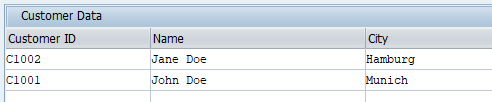
// Insert code from following examples here to alter displayed table

// Display the table on the screen
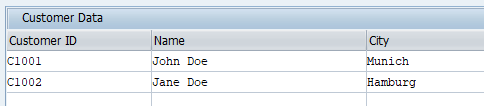
Table (5,5) (15,80) name="customers" title="Customer Data"

// Define the table columns
Column "Customer ID" name="customer_id" size=20
Column "Name" name="name" size=30
Column "City" name="city" size=20