Option: invisible
GuiXT
// Clear the entire screen area
del (0,0) (20,200)

// Define a WebView named "map" and load Google Maps
// The WebView is initially hidden using the -invisible option
WebView (-0.3,34.4) (20.1,130.6) _
"https://www.google.com/maps/place/@55.6697974,12.5118259,12.25z/" _
-invisible name="map"

// Button that retrieves and displays the current URL of the WebView
// Demonstrates that hidden WebViews remain fully functional
Pushbutton (22,74) "Where am I?" "?" process="get_url.txt"

// Button that makes the WebView visible again
// Works together with connectHTML in the script
Pushbutton (22,94) "Show Webview" "?" process="show_webview.txt"// Use ConnectHTML to retrieve the current URL of the WebView
// The URL is stored in the variable "url"
ConnectHTML getUrl="url" name="map"
// Display the retrieved URL in a message box
Message "&V[url]"// Make the WebView visible again using ConnectHTML
connectHTML visible="on" name="map"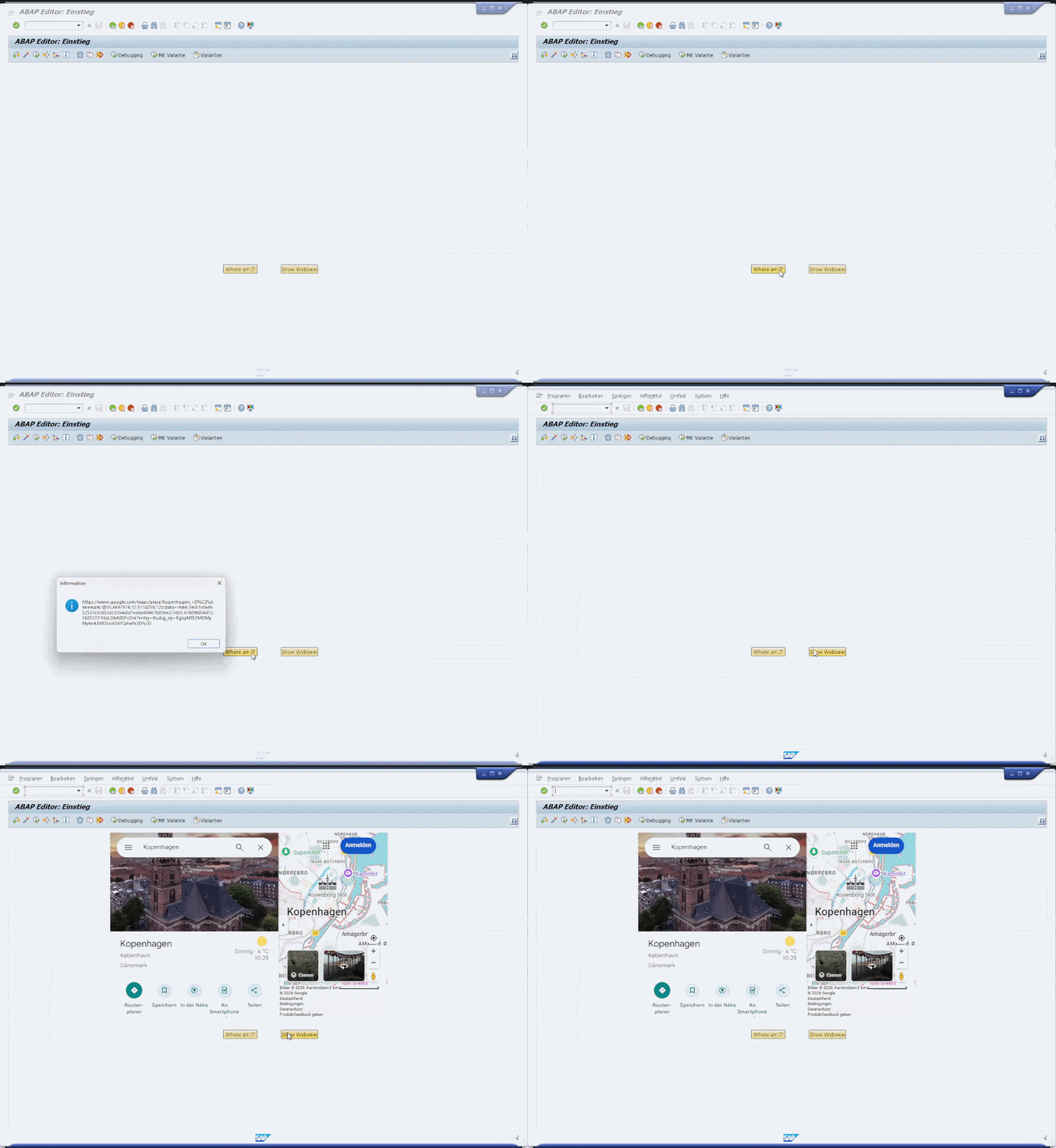
As shown in the example above, you can hide WebViews using the invisible option while still interacting with them in the background.
Option: floating
GuiXT
// Define a WebView named "map" and load Google Maps
// Using the floating option we can turn the webview into a floating window
WebView (-0.3,34.4) (20.1,130.6) _
  "https://www.google.com/maps/place/@55.6697974,12.5118259,12.25z/" _
  -floating name="map"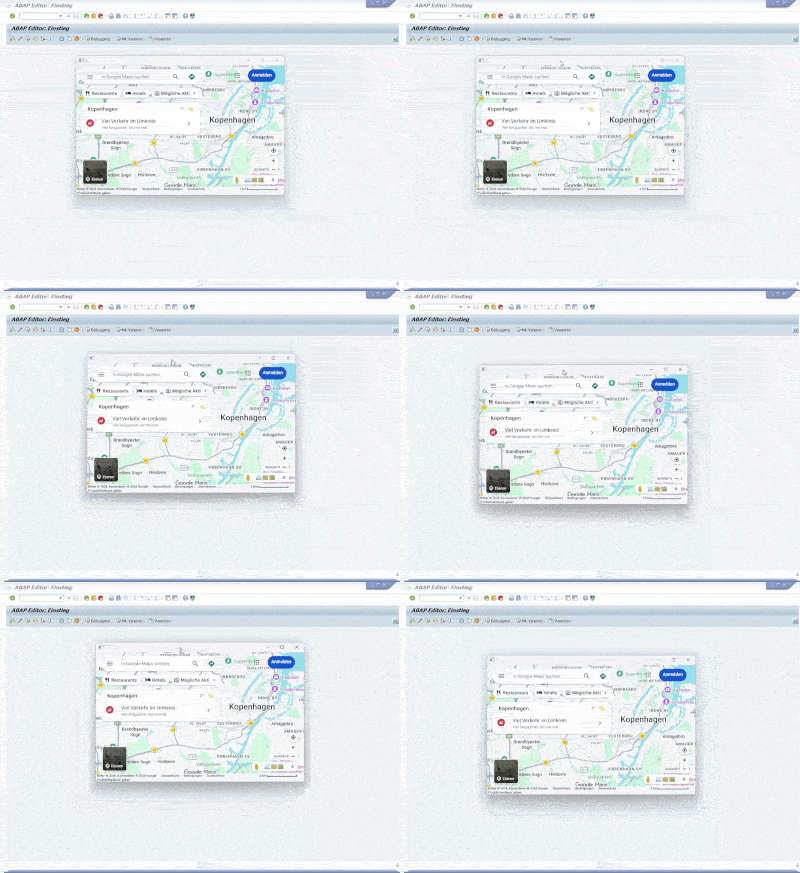
Option: maximize
GuiXT
// Define a WebView named "map" and load Google Maps
// Using the floating option we can turn the webview into a floating window
// And in combination with maximize we get a screensized floating window
WebView (-0.3,34.4) (20.1,130.6) _
  "https://www.google.com/maps/place/@55.6697974,12.5118259,12.25z/" _
  -floating -maximize name="map"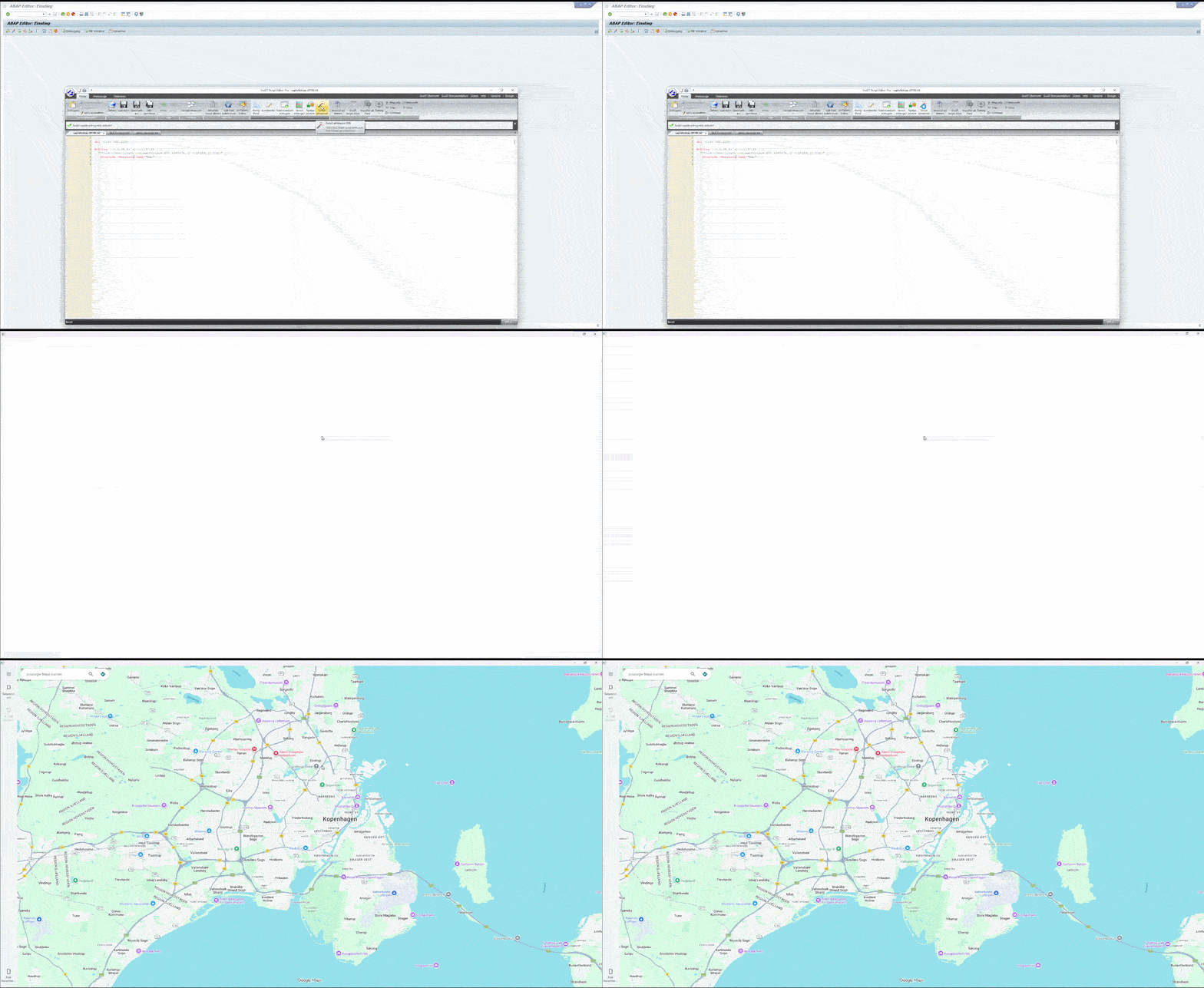
GuiXT
// Define a WebView named "map" and load Google Maps
// Using maximize without floating maximizes the webview
// in our transaction window
WebView (-0.3,34.4) (20.1,130.6) _
  "https://www.google.com/maps/place/@55.6697974,12.5118259,12.25z/" _
  -maximize name="map"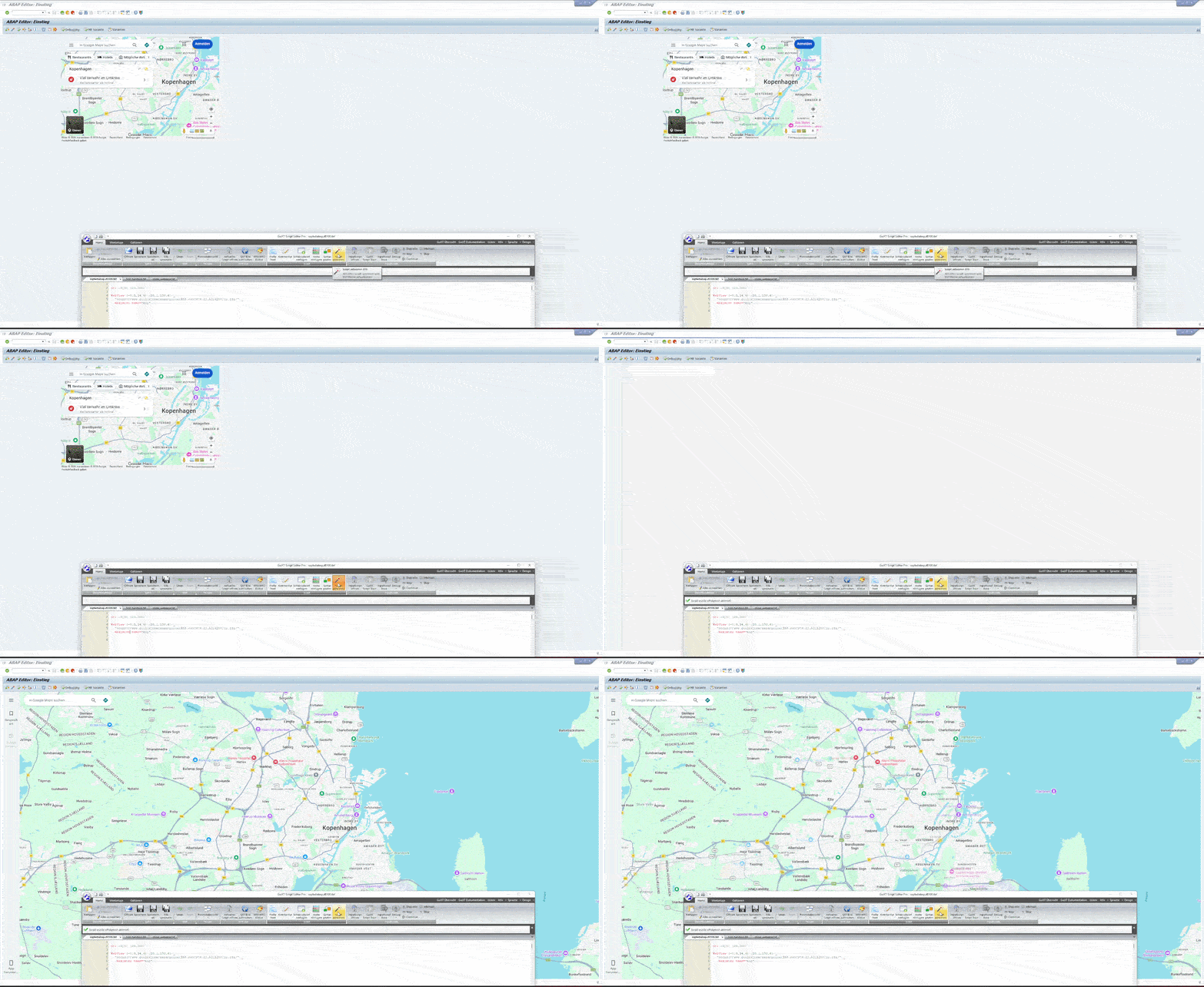
Option: topMost
GuiXT
// Define a WebView named "map1" and load Google Maps
// Using floating for a floating window
WebView (-0.3,34.4) (20.1,130.6) _
  "https://www.google.com/maps/place/@55.6697974,12.5118259,12.25z/" _
  -floating name="map1"
// Define a WebView named "map2" and load Google Maps
// Using floating for a floating window
// And topmost to place the window
// above all other windows
WebView (10,54.4) (30.1,150.6) _
  "https://www.google.com/maps/place/@65.7149164,-44.3279592,5.75z/" _
  -floating -topmost name="map2"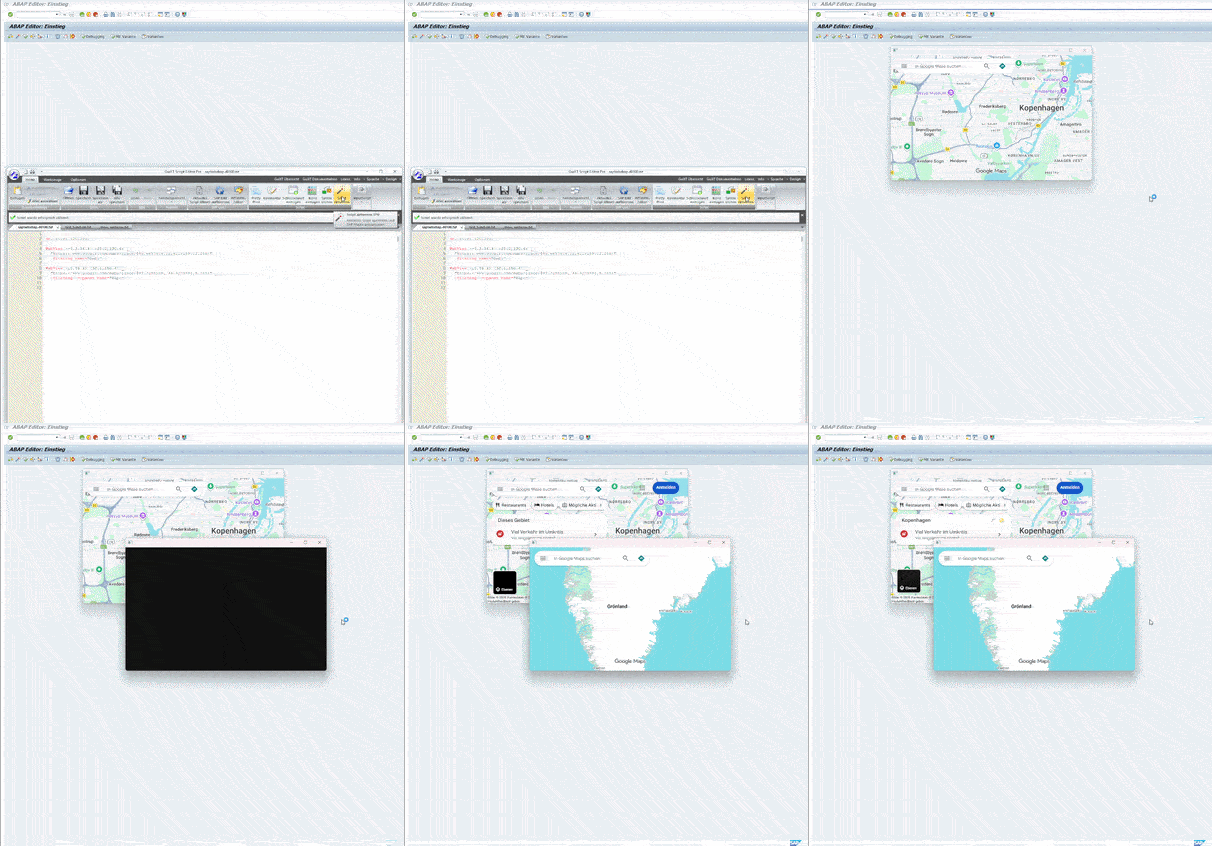
Option: transparent
GuiXT
// Clears the screen
del (0,0) (20,200)
Box	(0,10)	(11,77)	"Transparent Test Box"
// Webview with out transparent option
WebView (1.3,16) (10.6,69.3) _
  "worldmap.html" _
  name="web"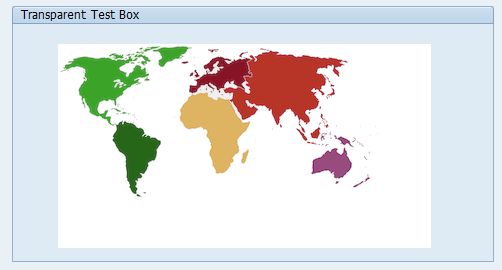
GuiXT
// Clears the screen
del (0,0) (20,200)
Box	(0,10)	(11,77)	"Transparent Test Box"
// Webview with transparent option
WebView (1.3,16) (10.6,69.3) _
  "worldmap.html" _
  name="web" -transparent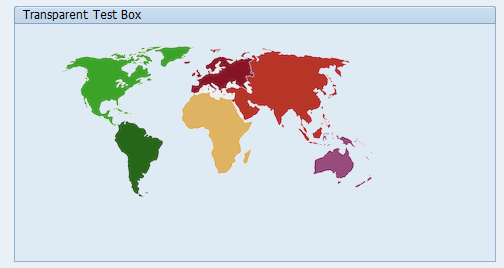
Option: initFlag
GuiXT
// Clears the screen
del (0,0) (20,200)
// We set our initFlag and pass it
// into the init variable
WebView (1.3,16) (26.8,87.3) _
  "https://www.google.com" _
  name="web" initFlag="init"
// We check if init is X
if V[init=X]
  // If yes we show this Message
  Message "Initialized!"
else
  // If no we show this Message
  Message "Not Initialized!"
endif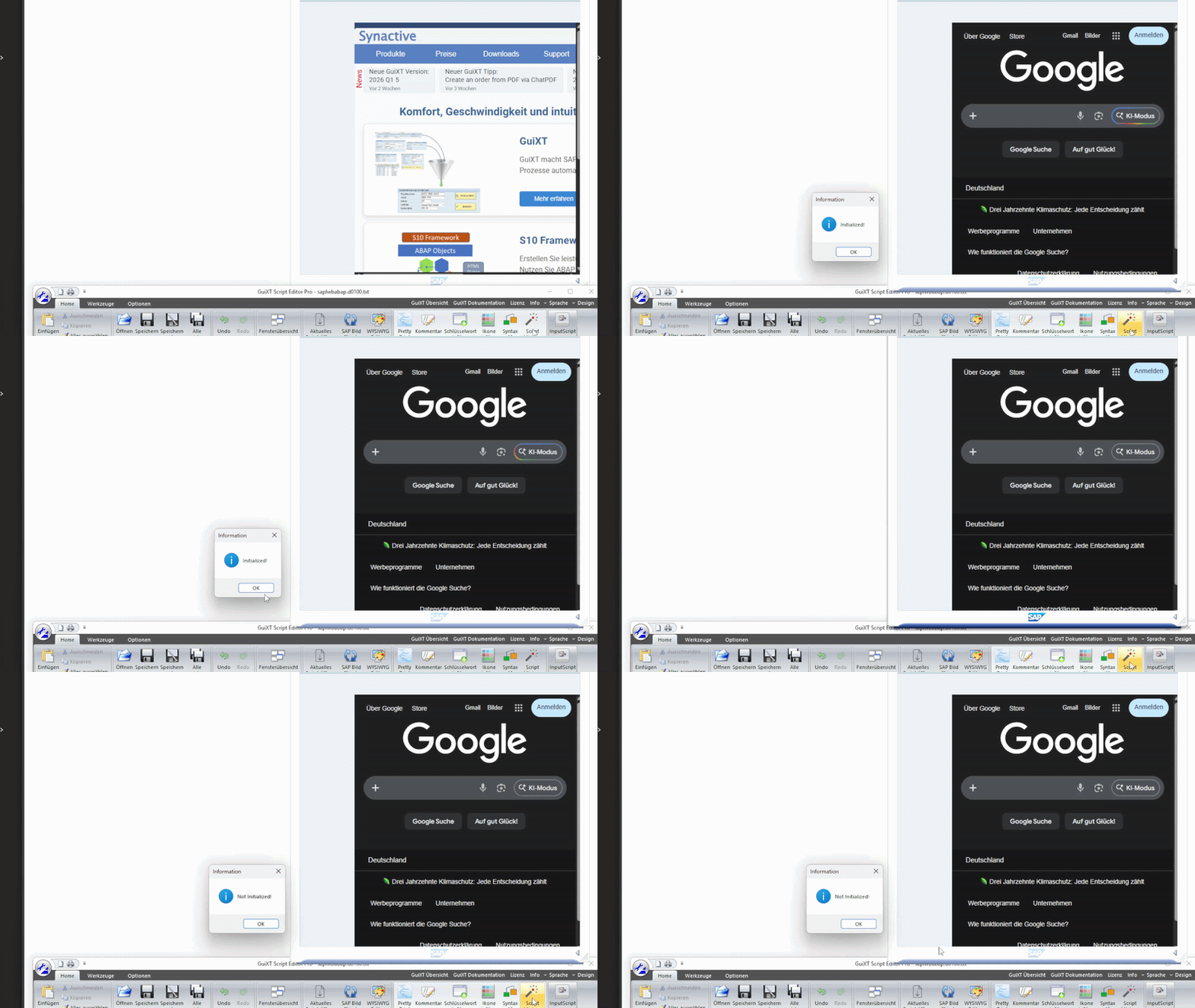
Option: title
GuiXT
// Clears the screen
del (0,0) (20,200)
// WebView without title
WebView (1.3,16) (26.8,87.3) _
  "https://www.google.com" _
  name="web1" -floating
// WebView with title
WebView (1.3,56) (26.8,127.3) _
  "https://www.google.com" _
  name="web2" -floating title="Our Title"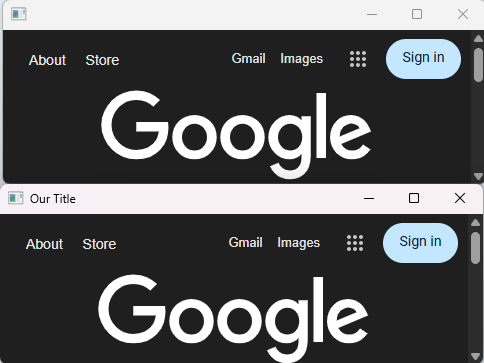
Option: iconfile
GuiXT
// Clears the screen
del (0,0) (20,200)
// WebView without icon
WebView (1.3,16) (26.8,87.3) _
  "https://www.google.com/?hl=en" _
  name="web1" -floating
// WebView with icon
WebView (1.3,56) (26.8,127.3) _
  "https://www.google.com/?hl=en" _
  name="web2" -floating iconfile="help.ico"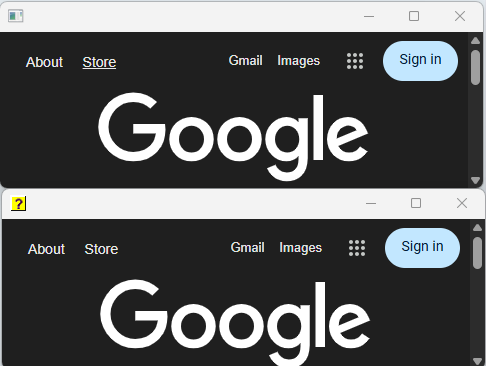
Option: zoomfactor
GuiXT
// Clears the screen
del (0,0) (20,200)
// WebView with standard zoom
WebView (1.3,16) (26.8,87.3) _
  "https://www.google.com/?hl=en" _
  name="web1"
// WebView zoomed out by 50%
WebView (1.3,96) (26.8,167.3) _
  "https://www.google.com/?hl=en" _
  name="web2" zoomFactor="0.5"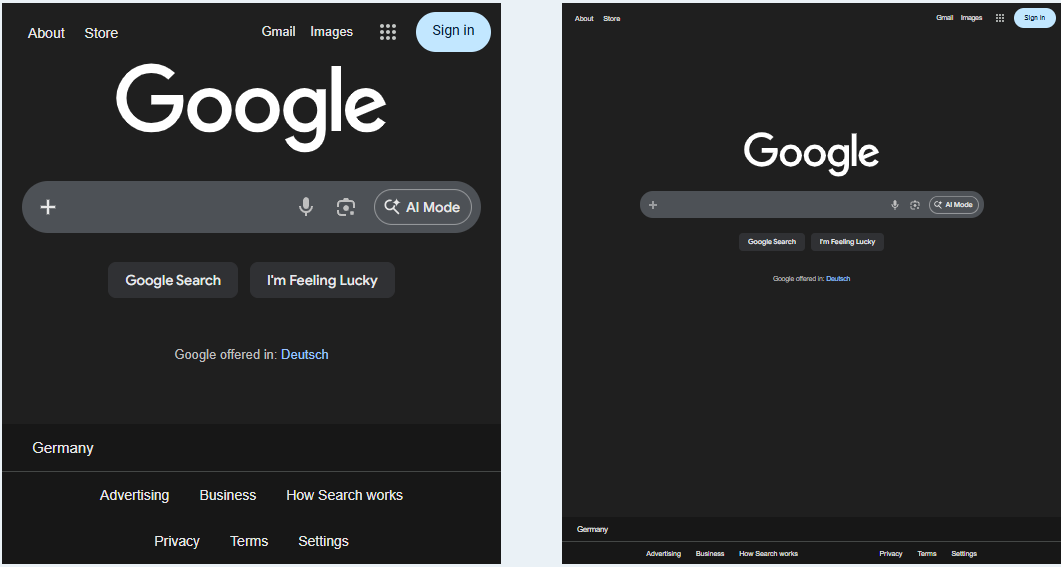
A zoom factor of 1 represents 100% (no zoom). A value of 0.5 corresponds to 50% zoom, and 1.5 corresponds to 150% zoom.